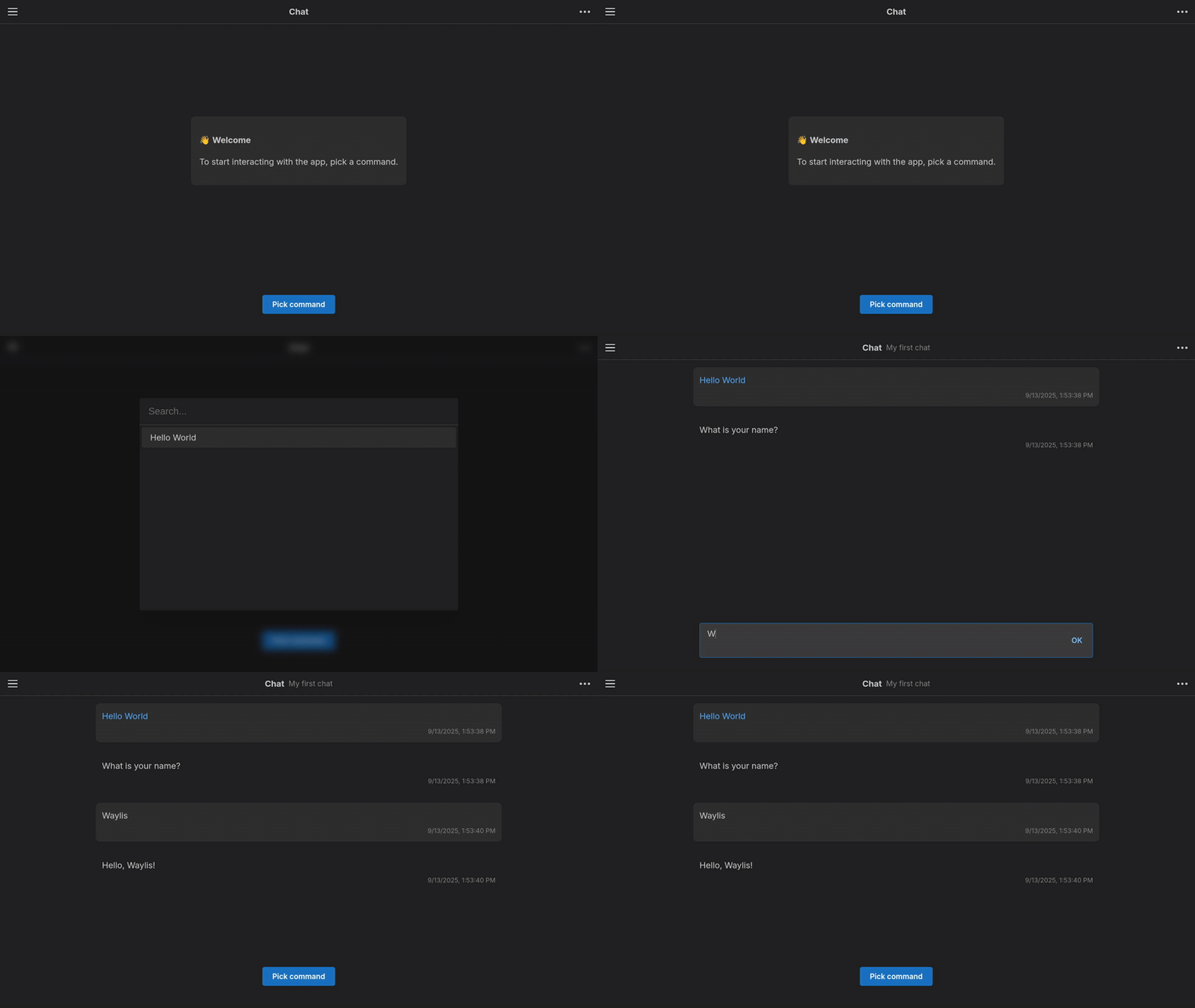
First steps
To start working with Waylis you need a Node.js (version >= 20) and npm installed.
Installation
Install Waylis into your project:
sh
npm install @waylis/coreINFO
It's written on TypeScript, so types are already included.
CommonJS and ESM are both supported.
Hello world
As usual, let's start with the classic Hello World example to check that everything is working as it should:
ts
import * as w from "@waylis/core";

const command = w.createCommand({ value: "hello", label: "Hello World" });

const step = w.createStep({
    key: "name",
    prompt: { type: "text", content: "What is your name?" },
    reply: { bodyType: "text" },
});

const scene = w.createScene({
    steps: [step],
    handler: async (answers) => {
        return { type: "text", content: `Hello, ${answers.name}!` };
    },
});

const app = new w.AppServer();
app.addScene(command, scene);
app.start();
Run a code:
sh
node ./main.tsYou will get something like this:
9/13/2025, 12:26:53 PM [INFO] Server is running on http://localhost:7770Once the application is running, open your browser and navigate to http://localhost:7770 and see the result: